

Introduction
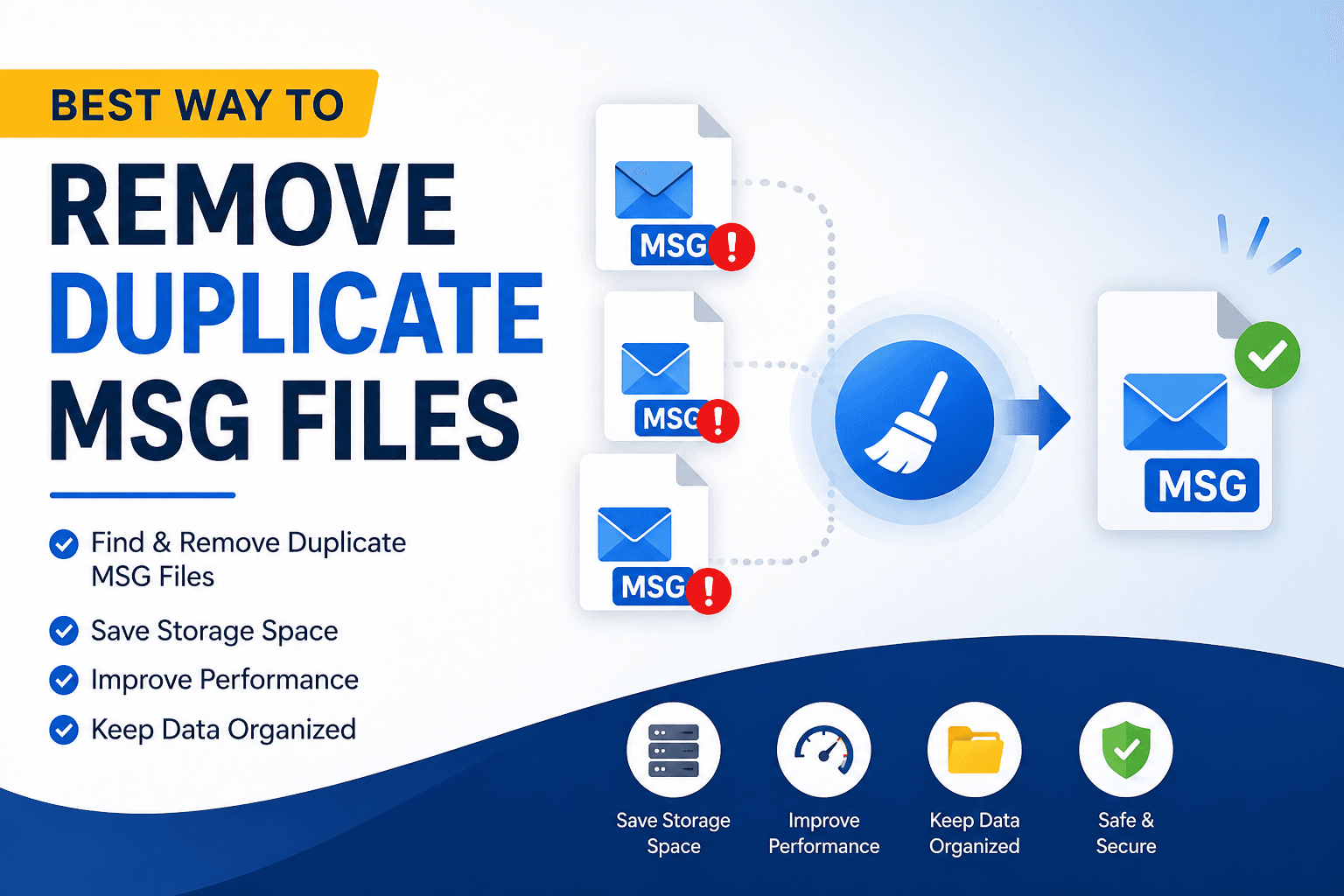
Over time, duplicate Outlook MSG files can silently accumulate, transforming a well-maintained email archive into a confusing jumble. They frequently occur after exporting emails multiple times, restoring backups, combining data from various computers, or saving the same message in multiple folders. A few duplicate emails might not seem like a problem, but thousands of repeated MSG files can take up storage space, slow down searches, and make it difficult to find the email you need.
Many users are reluctant to delete duplicate emails in case they are deleting an important message by mistake. That concern is perfectly understandable. One wrong deletion can mean losing valuable business records, customer communication, or legal documents.
The good news is that you can easily remove duplicate Outlook MSG files. Here’s a guide on the best ways to delete duplicate emails, when each method is best suited, and how to protect your data during the cleanup process.
Why Users Need to Delete Duplicate Outlook MSG Files
Duplicate MSG files can impact personal and business users in a variety of ways.
1. Reduce Storage Consumption
Each duplicate email also takes up unnecessary space. Messages with attachments can gobble up gigabytes of storage in no time.
2. Improve Email Organization
A neat archive is easier to browse, to organize, and to maintain over time.
3. Find Important Emails Faster
By removing duplicate messages, searches become more accurate, and valuable time is saved.
4. Prepare for Email Migration
Pre-removing duplicate files before importing MSG files to another email platform helps to avoid duplicate emails post-migration.
5. Maintain Accurate Email Records
Archived emails are critical for businesses for compliance, customer support, and legal reasons. Removing duplicate copies helps keep records organized and trustworthy.
Method 1: First Back Up Your MSG Files
Best for: Removing duplicates for all users.
Be sure to make a complete backup of your MSG files before deleting anything. This allows you to recover your archive in case something gets deleted by mistake.
Steps
- Select the folder where your MSG files are.
- Copy the folder to another drive or to external storage.
- Check if the backup was created successfully.
- Do not interrupt the backup during the cleanup.
Pros
- Protection against accidental deletion
- Easy to restore the original files.
- Recommended for each cleanup task.
Cons
- Requires additional space for storage.
- Does not flag duplicate emails.
Method 2: Remove Duplicates Manually
Best for: Small email lists.
If you only have a few duplicate MSG files in your archive, you might not have to do anything.
Steps
- Go to the location where the MSG files are stored.
- Sort the files by name, date, or size.
- Compare files with similar info.
- Open suspicious emails if you have to.
- Remove known duplicate copies.
- Verify the rest of the files.
Pros
- No other software necessary.
- Full control over deletion of files.
Cons
- Slow, repetitive.
- Tough with big archives.
- Increased risk of human error.
Method 3: Compare File Properties in Windows
Best for: Medium-sized MSG collections.
You can use the useful file information in Windows File Explorer to help you spot possible duplicates.
Steps
- Open File Explorer.
- Go to the MSG files.
- Change to Detail View.
- Show columns such as Name, Size, Date Modified, and Type.
- Compare files with identical information.
- Delete verified duplicate files.
Pros
- Built into Windows
- User-friendly.
- No Outlook needed.
Cons
- The actual email content cannot be compared.
- Similar files are not necessarily the same.
Professional Solution for Removing Duplicate MSG Files
The more MSG files, the more difficult to clean them up manually. When you have thousands of emails stored in many folders in large archives, it can be nearly impossible to spot every duplicate manually.
A much more efficient solution is to use GainTools MSG Duplicate Remover Software. Instead of just comparing file names, these utilities look at email properties like sender, recipient, subject, sent date, received date, message size, Internet headers and attachments. This helps to find true duplicate emails while preserving original emails that may have the same filename.
It also offers batch processing, recursive folder scanning, preview options, selective folder selection, and preservation of the original folder structure. They work directly with MSG files, thus Microsoft Outlook is not required.
For organizations that have large email archives or for users cleaning up years of exported emails, this approach results in higher accuracy, considerable time savings, and a significant decrease in the chance of accidental data loss.
Main Features and Advantages
- Safely removes duplicate Outlook MSG files.
- No need for Microsoft Outlook.
- Supports batch processing of multiple folders.
- Keeps the original folder structure.
- Good at dealing with large MSG archives.
- Prepares clean data for migration
Conclusion
Having duplicate Outlook MSG files may seem a small problem at first, but they can turn into a nightmare for email archive management very quickly. They take up space, make searching harder, and run the risk of working on out-of-date or duplicated messages.
When you have only a few duplicate files, a manual review and a good backup may be enough. But for large email collections, a professional duplicate removal solution is a faster, more accurate, and safer way to clean your archive.
Frequently Asked Questions
1. What is the best method to delete duplicate Outlook MSG files?
Manual comparison is good for small collections. When it comes to huge archives, the most accurate and time-saving way is to make use of professional MSG duplicate remover software.
2. Why do duplicate MSG files appear?
If you export files more than once, restore a backup, copy email folders, have synchronization problems or merge several email archives together you will often get duplicate MSG files.
3. Can I remove duplicate MSG files without Microsoft Outlook?
Yes. Most of the duplicate removal tools work directly on MSG files and don’t require Microsoft Outlook.
4. Will deleting duplicate MSG files remove attachments?
Only the duplicate email and the attached file are removed. If the duplication is correctly identified, the original email and attachment are saved.
5. Is it safe to remove duplicate emails from large MSG archives?
Yes. As long as you back up your files first and use a reliable duplicate detection method you can safely clean large MSG files without losing important data.






Leave a Reply