
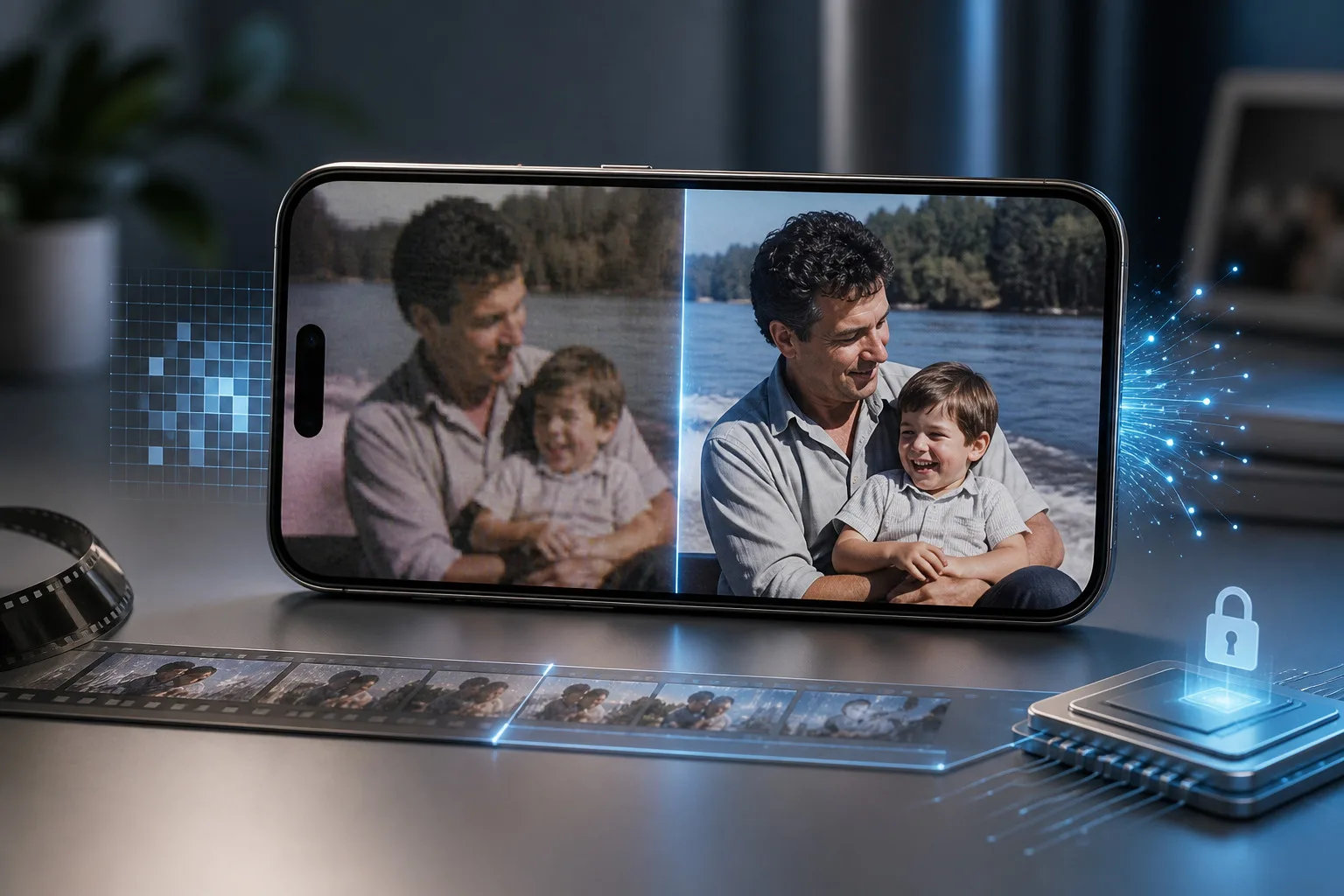

Video quality can change how people remember, share, and enjoy a recording. A clip that looked fine on an older phone may appear soft on a modern display. Compression, low resolution, motion blur, and poor lighting can also make useful footage harder to watch. Choosing the right enhancement tool can help address these problems without requiring advanced editing skills.
Video Upscaler 16K is designed for people who want a simple way to process video on compatible Apple devices. It combines AI-based enhancement with resolution conversion and local processing. Instead of treating every clip the same way, users can choose a suitable output and processing method based on the source.
A Better Approach to Improving Everyday Footage
A basic resize only increases the number of pixels. It does not understand what the image contains. An AI video upscaler takes a different approach by analyzing visual patterns and estimating details that can make an enlarged frame look more natural.
This can help improve video quality when a clip has softness, compression, or limited resolution. It is useful for footage people want to reuse on screens or share on social platforms.
The source still matters. AI cannot recreate every detail that was never captured, so choosing a sensible output is often more important than selecting the biggest available number.
Why Video Upscaler 16K Stands Out
Video Upscaler 16K brings several processing options into one mobile-focused workflow. It supports Apple SuperRes and MetalFX for faster processing, along with BSRGAN and RealESRGAN for more advanced enhancement and restoration needs.
Having different technologies available gives users more flexibility. A short clip that needs a quick improvement may not require the strongest model. An older recording with visible softness may benefit from a more detailed restoration approach.
Choosing an Output That Fits the Source
More resolution does not always mean more visible detail. A low-quality clip may become very large when exported at an extreme resolution without gaining the same level of visual improvement.
For some footage, an HD video enhancer is enough to create a cleaner result while keeping the file manageable. Better source footage may benefit from a 4K video enhancer, particularly when it will be viewed on a large display.
The best choice is the setting that produces useful improvement without unnecessary file size.
Seeing the Difference Before You Share
One useful part of video enhancement is being able to compare the original with the processed version. A comparison can reveal whether processing has actually helped.
Look closely at faces, text, hair, and moving objects. The result should leave the video clearer without making it look artificial.
It is also worth checking different parts of a long clip because results can vary between bright and dark scenes.
Local Processing for Greater Privacy
Video files can be large, and personal recordings may contain information users do not want to upload to remote servers. This makes local processing an important consideration when choosing an enhancement tool.
With on-device video upscaling, compatible Apple devices can handle processing locally. That means users can work with personal footage without making a cloud upload the central part of the workflow.
For family recordings, client material, or unreleased creative projects, private video enhancement can be especially useful. It also avoids waiting for a large upload.
A Practical Choice for iPhone Users
Mobile editing has become part of everyday content creation. People record events, social clips, tutorials, product demonstrations, and personal moments on their phones. Moving every clip to a computer just to improve its resolution can make a simple task feel unnecessary.
With Video Upscaler 16K, users can upscale video on iPhone and keep the process within a mobile workflow. The app is built around video enhancement, conversion, and restoration rather than trying to be a general-purpose editing suite.
This focused approach can make sense for users who mainly need better video quality and flexible export options.
Useful for More Than Resolution
Video enhancement is not limited to making a number such as 1080p or 4K appear in the file details. A good workflow should also consider clarity, artifacts, and the overall appearance of individual frames.
Video Upscaler 16K can be useful for older family recordings, compressed clips, creator footage, and videos that need preparation for modern displays. The right processing method depends on the condition of the source.
If a clip is already sharp, heavy enhancement may not be necessary. If it is soft or compressed, a stronger restoration model can make a more noticeable difference.
What Makes the Workflow Easier
One reason to choose a dedicated tool is convenience. Users do not need to build a restoration workflow from several separate applications. Resolution conversion and enhancement can be handled in the same place.
Keeping the original file is still important. It provides a reference if you later decide that another setting works better.
It is also useful to check the final file for audio, frame rate, format, and size before sharing it. Good visual processing is only part of a successful export.
Who Can Benefit From It?
Video Upscaler 16K can suit several types of users. Someone with old family footage may want to make memories easier to view on a modern television. A creator may need to prepare an older clip for a new project. Another user may simply have a compressed phone recording that needs some cleanup.
The app also suits people who prefer working directly on their device. Local processing and multiple enhancement technologies give users more control over how a clip is handled.
For people who value privacy, the on-device approach adds another practical reason to consider the tool.
Conclusion
Choosing an AI video enhancement tool is not only about finding the highest resolution available. The quality of the source, processing method, output size, privacy requirements, and final viewing experience all matter.
Video Upscaler 16K brings these considerations together in a focused mobile workflow. Its combination of AI processing, resolution options, restoration technologies, and local processing can help users enhance video quality without relying on a complicated desktop setup.
Whether you need a quick improvement for a phone recording or want to prepare older footage for a modern screen, choosing the right settings and checking the result carefully can make a meaningful difference.






Leave a Reply